
Guides & Tutorials
Conditional questions
Learn how to show and hide content in your project based on conditional logic
Conditional logic is useful if you want to build personalized and efficient surveys. Here are some examples:
- Ask a follow-up question to a respondent who answered positively.
- Hide a follow-up question to a respondent who answered negatively.
- Ask a follow-up question if the user left a question blank.
- Funnel users in Group A to contribute to Map A, and users in Group B to contribute to Map B.
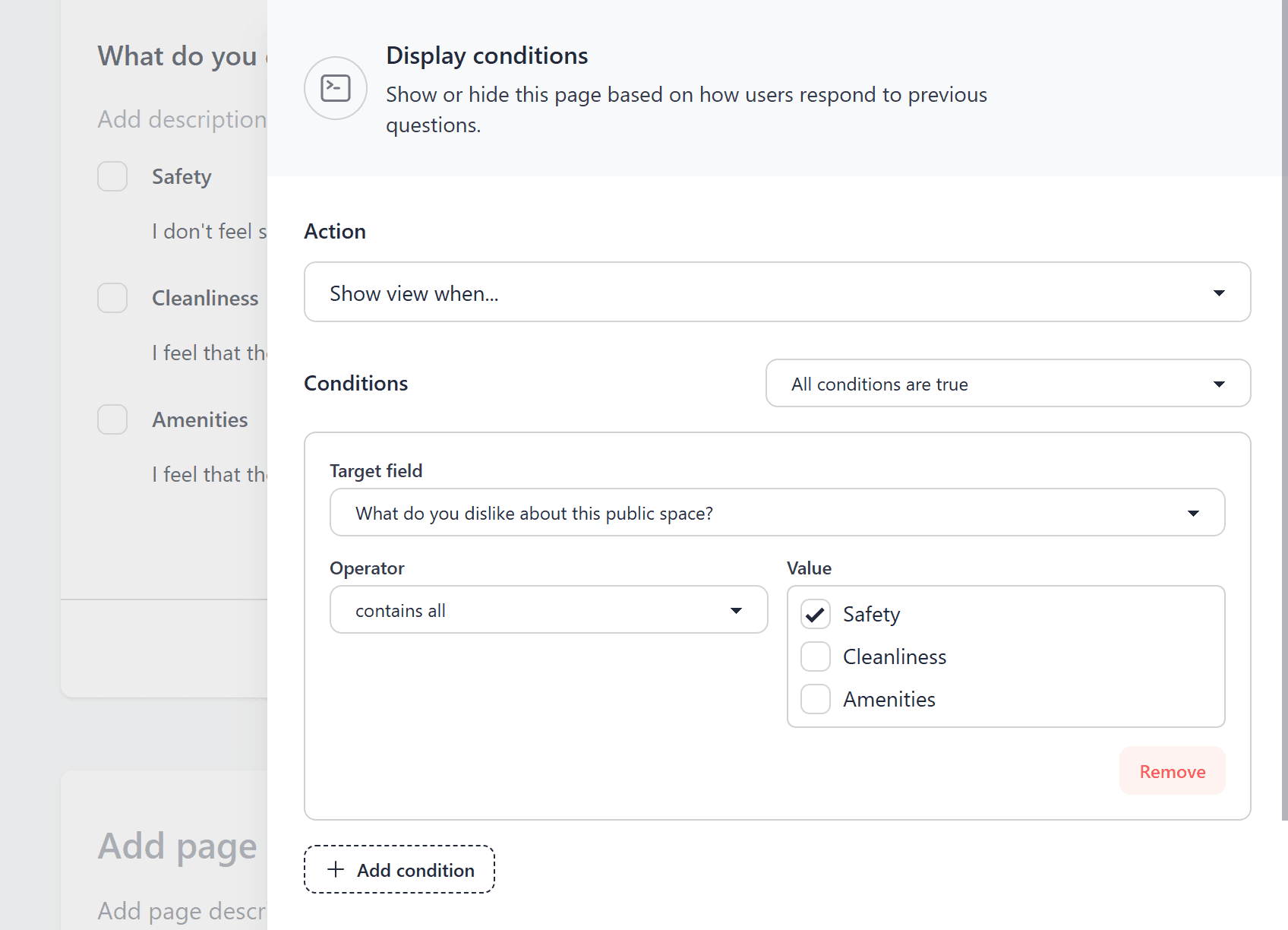
You can achieve any logical combination you can imagine using mapperoni's condition builder!
How it works
Conditional logic can be applied to show and hide whole pages, but not individual field inputs. This is a deliberate design decision because we believe it promotes a pleasant user experience (avoiding questions that "pop in" and "pop out").
- Create your page
- Add content to the page
- Click the Conditions button
- Apply your conditional logic