
Guides & Tutorials
Teams and roles
Teams keep your projects and the people working on them in one place. Roles let you decide who can make changes.
Teams
Every project belongs to one team. Team members can access that team's projects, so use a separate team when a project needs a separate group of people or permissions.
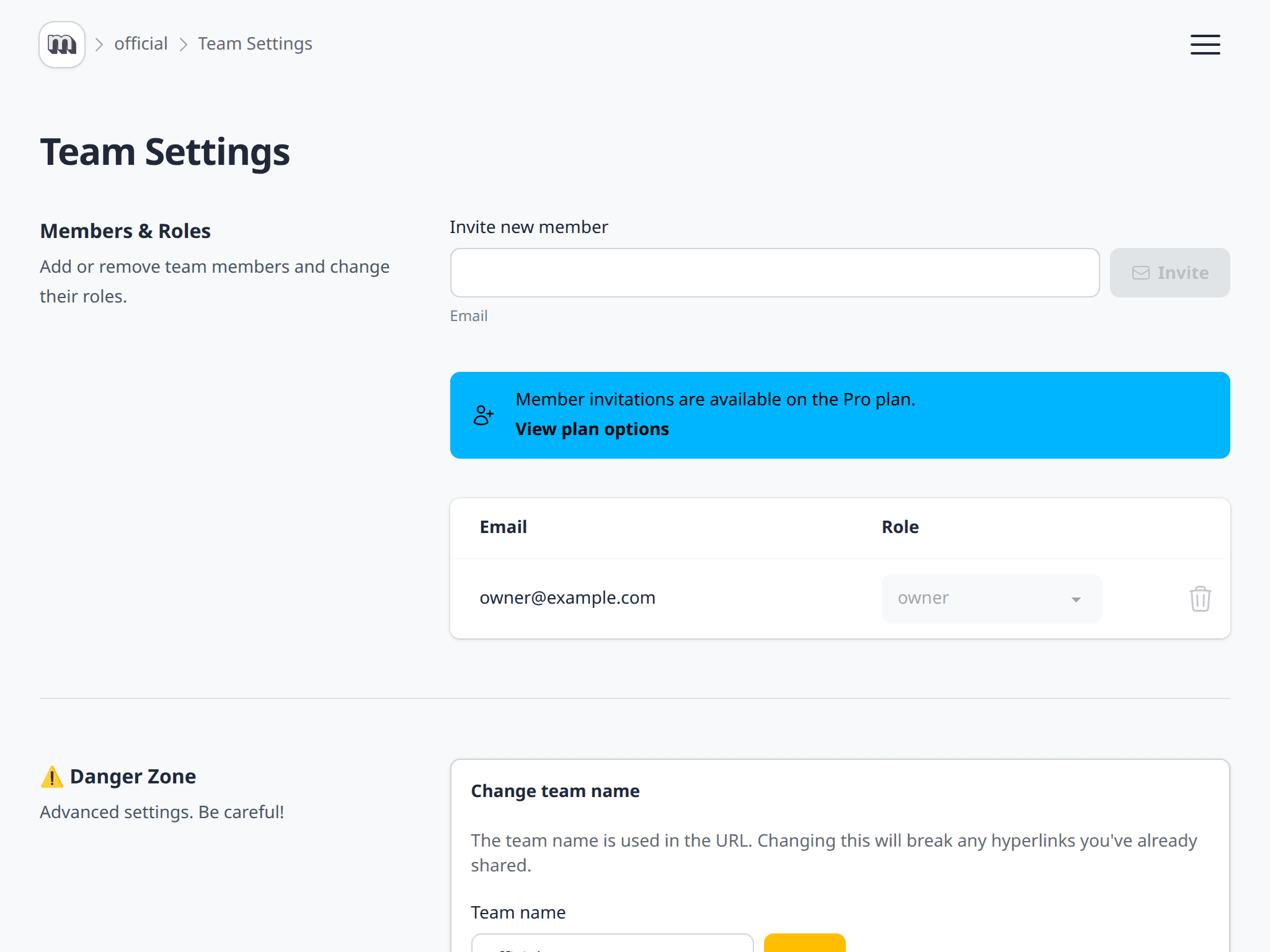
Free and Personal teams have one member. Upgrade to Pro to invite up to 25 people. To manage members, open your team and choose Settings.
Roles
Choose the lowest role that gives someone the access they need.
Owner
Owners have full control. They can manage billing, delete the team, and add, remove, or change any member's role.
Manager
Managers can manage projects, change team settings, and manage members other than owners. They cannot manage billing or delete the team.
Editor
Editors can create, edit, and delete projects and their content. They cannot change team settings or manage members.
Viewer
Viewers can see the team's projects and data, but cannot make changes.
Multiplayer
Pro teams can work on the same project at the same time. Changes are updated in real time for everyone with the editor open.
Add, edit, delete, or reorder pages, layers, and fields, and your teammates will see the change straight away. Project and map settings are updated too. Roles still apply, so you can invite people to review a project without giving them the power to change it.
Keep an owner
A team must always have at least one owner. Before an owner leaves a team, they must promote someone else to owner first.